Best GBA ROMs for Android: Top Games & Easy Emulator Setup Guide
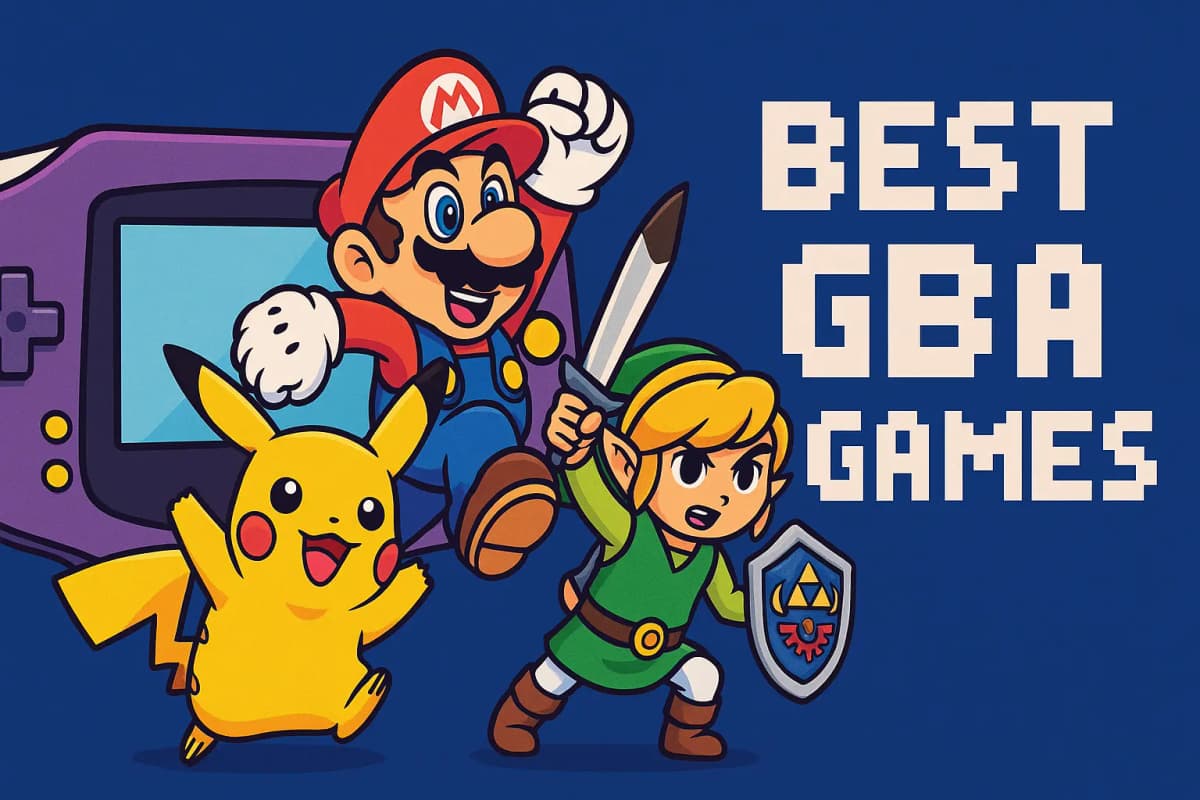
Game Boy Advance was one of the most iconic handheld consoles of its time. Many of us grew up spending hours playing exciting games on it, creating unforgettable childhood memories. Today, thanks to Android smartphones and powerful emulator apps, you can relive those same moments anywhere, anytime.…
Game Boy Advance was one of the most iconic handheld consoles of its time. Many of us grew up spending hours playing exciting games on it, creating unforgettable childhood memories. Today, thanks to Android smartphones and powerful emulator apps, you can relive those same moments anywhere, anytime. In this guide, we’ll explore the best GBA ROMs for Android and show you how to set them up with ease.
GBA ROMs are simply the digital versions of the original cartridge games. Instead of plugging in a physical cartridge, you can download these game files directly onto your Android device. With the right emulator app, you can run them effortlessly—no console required. All you need is your phone, a bit of storage space, and you can carry your entire GBA library in your pocket.
The first step to playing GBA ROMs on Android is choosing a reliable emulator. The Google Play Store offers plenty of options—popular choices include My Boy!, John GBA, and Pizza Boy GBA. Some are completely free, while others are paid and offer extra features like enhanced graphics, save states, and controller support. Once your emulator is installed, head to a trusted source like ROMSFLARE.COM to download your favorite GBA games.
Top GBA ROMs for Android
- Pokémon Emerald
- Pokémon Fire Red
- Pokémon Leaf Green
- Super Mario Advance
- Mario Kart: Super Circuit
- The Legend of Zelda: The Minish Cap
- Dragon Ball Z: Buu’s Fury
- Metroid Fusion
- Castlevania: Aria of Sorrow
- Fire Emblem
- Advance Wars
Once you have your emulator and ROM file, launch the emulator app and locate the game file on your phone. Tap it to start playing instantly. Most emulators also let you save progress, use cheat codes, fast-forward gameplay, and even connect Bluetooth controllers for a more authentic experience. The setup is beginner-friendly and takes just a couple of minutes.
Now let’s talk about why these GBA ROMs are worth playing. Whether you’re into platformers, adventures, action titles, or strategy games, the GBA library has something for everyone. These classics have stood the test of time, and millions of gamers still enjoy them today.
Another great thing is that GBA games are small in size and run smoothly on almost any Android phone—whether it’s an entry-level device or a flagship model. They also work offline, making them perfect for road trips, flights, or moments when you have no internet connection.
You might be wondering about the legality of downloading ROMs. The rules depend on ownership—if you already own the original cartridge, keeping a personal backup ROM is generally fine. However, downloading games you don’t own might violate copyright laws. Thankfully, some ROMs are legally distributed by developers or are in the public domain, so those are safe to enjoy.
In short, playing GBA games on Android has never been easier. All you need is a phone, a good emulator, and a ROM file. If you’re searching for the best GBA ROMs for Android, Our Site is a great place to start—offering action, racing, adventure, and puzzle games for all types of players.
If you’re feeling nostalgic or curious about the GBA’s greatest hits, now is the perfect time to jump in. Modern Android devices and feature-packed emulators make it simple to relive the golden days of handheld gaming. Just grab your favorite ROM, fire up the emulator, and enjoy hours of classic fun right from your phone.