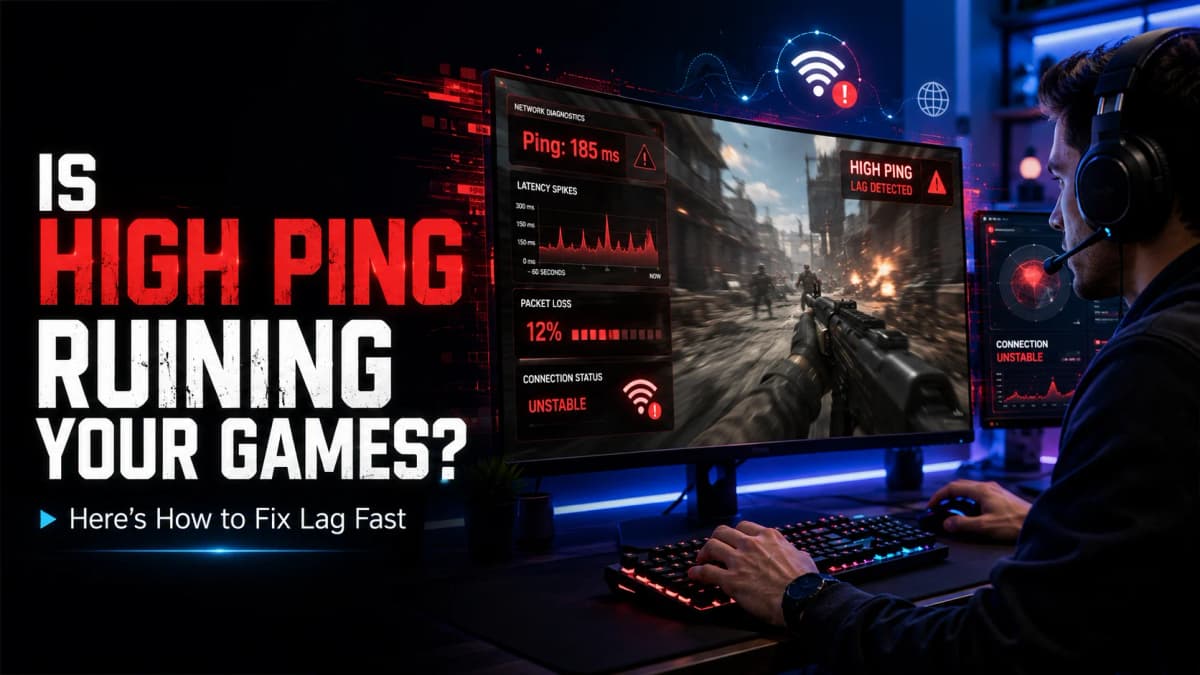
Is High Ping Ruining Your Games? Here’s How to Fix Lag Fast
High ping can ruin online gaming with lag and delayed actions. Learn what causes high ping and discover simple ways to reduce lag and improve your gaming experience. Is High Ping Ruining Your Games? Here’s How to Fix Lag Fast Have you ever been one shot behind cover in an online game or watched…
High ping can ruin online gaming with lag and delayed actions. Learn what causes high ping and discover simple ways to reduce lag and improve your gaming experience.
Is High Ping Ruining Your Games? Here’s How to Fix Lag Fast
Have you ever been one shot behind cover in an online game or watched your character suddenly teleport across the map? If so, you’ve probably experienced high ping. For many gamers, ping can be just as important as graphics or frame rate. Even the best gaming setup can’t save you from a slow network connection.
The good news is that high ping isn’t always permanent. In many cases, a few simple changes can make a noticeable difference. Let’s look at what ping is, why it matters, and how you can reduce lag for a smoother gaming experience.
What Is Ping?
Ping is the amount of time it takes for information to travel from your device to a game server and back. It’s measured in milliseconds (ms). Lower numbers are better because your actions reach the server faster.
As a general guide:
- Under 20ms: Excellent
- 20-50ms: Great for most online games
- 50-80ms: Good
- 80-120ms: Playable but noticeable
- Over 120ms: High latency that can cause lag
A lower ping means your movements, attacks and actions happen more quickly in the game.
Why High Ping Is a Problem
High ping affects almost every online multiplayer game. Whether you’re racing against friends or battling opponents, a delayed connection can make gameplay frustrating.
Common problems include:
- Delayed shooting.
- Slow movement.
- Rubber banding.
- Characters teleporting around the map.
- Delayed ability activation.
- Missing important game actions.
Competitive players often spend a lot of time improving their ping because even a small delay can affect the outcome of a match.
What Causes High Ping?
Many different factors can increase latency.
Playing on Distant Servers
The farther away a game server is, the longer data has to travel.
Wireless Connections
Wi-Fi is convenient, but walls, interference and distance from the router can increase ping.
Background Downloads
Game updates, cloud backups and video streaming use bandwidth that could otherwise be available for gaming.
Busy Networks
If multiple people are using the same internet connection, latency can increase.
Router Problems
Older networking equipment may struggle to handle modern gaming traffic efficiently.
How to Reduce Lag
Fortunately, improving your gaming connection doesn’t always require expensive upgrades.
Use an Ethernet Cable
A wired connection is usually more stable than Wi-Fi and often provides lower latency.
Close Background Applications
Pause downloads and close unnecessary apps before starting a gaming session.
Pick the Right Game Server
Choose the nearest available server whenever possible.
Restart Your Router
A quick restart can solve temporary network issues and refresh your connection.
Update Your Hardware
Modern routers often provide better stability and performance.
Avoid Peak Hours
Heavy internet usage in your area can increase latency during busy times.
Check Your Connection Before Playing
One of the easiest ways to avoid surprises is to test your internet connection before starting an online match.
A quick ping test can show how responsive your connection is and help you spot problems before they affect your gameplay. If you’re preparing for ranked matches or competitive gaming, checking your latency only takes a few seconds and can save a lot of frustration.
You can quickly test your internet latency and connection quality using MyPingTest.net before jumping into your favorite online games.
Is Lower Ping Always Better?
Generally, yes. However, consistency is just as important.
A stable 35ms connection often feels smoother than a connection that constantly jumps between 20ms and 100ms. This variation is known as jitter, and lower jitter helps create a better online gaming experience.
What Is a Good Ping for Gaming?
Different games have different requirements.
- Casual online games: Under 80ms.
- Racing and sports games: Under 60ms.
- Multiplayer shooters: Under 50ms.
- Competitive esports: Under 30ms whenever possible.
The lower and more stable your ping, the better your overall experience will be.
Final Thoughts
High ping can make even great games frustrating to play, but understanding what causes lag can help you improve your connection. Simple changes like using a wired connection, choosing nearby servers and limiting background downloads can significantly reduce latency.
Checking your connection before gaming is also a smart habit, especially if you’re playing competitive matches with friends or online communities. A quick ping test can help you identify problems early and give you a better idea of your network’s performance.
A smoother connection means fewer interruptions, faster reactions and a more enjoyable gaming experience. Whether you’re playing casually or trying to climb the competitive ranks, keeping your ping low is one of the easiest ways to improve your gameplay.